ScaleformUI: A Library for Creating Rockstar-like Menus
ScaleformUI is a custom-built library designed to help developers quickly create Rockstar-like menus, such as pause menus and lobby systems, for FiveM projects. With its easy-to-use interface, you can create immersive menu systems, just like the ones in the GTA series, without much hassle.
⚠️ IMPORTANT:
- You can freely use this library in your resources, but you cannot include it in any paid resources. If you’re selling a resource that uses ScaleformUI, make sure to mention this repository in your script’s requirements.
- ScaleformUI also requires an Assets resource from the Github Repo Releases to function correctly.
For further details, check out the documentation (Work in Progress).
Features 🔧
1. Simple Button Support
- Easily create buttons for your menus with a simple API.
2. Checkboxes and Lists
- Support for creating checkboxes and list-based elements for more interactive menus.
3. Custom Banners
- Use game sprites or custom textures for your menu banners.
4. Easy Nested Menus
- Create nested menus with minimal effort, allowing for complex and structured menu systems.
5. Controller Support
- Full support for game controllers, enabling smooth menu navigation.
6. Mouse Controls
- You can navigate your menus using the mouse for a more intuitive experience.
7. Multi-Resolution Support
- The library ensures compatibility with all screen resolutions, so your menus will look good on any setup.
8. Item Descriptions
- Add descriptions to items for better clarity and user guidance.
9. Rebindable Keys and Controls
- Fully rebindable controls, allowing users to customize their key mappings.
10. Item Badges
- Add badges or icons to menu items for decoration or to indicate specific functions.
11. Event-Based Callbacks
- Attach callbacks to menu items or events using C#, ensuring full flexibility and control.
12. Easy PauseMenu Creation
- Quickly create pause menus with minimal setup for seamless in-game experiences.
13. Custom Instructional Buttons
- Design and implement custom buttons for instructions or additional functionality.
14. Custom Warning Screen
- Add a warning screen to display crucial messages or alerts to the player.
15. Custom Message System
- Create big and midsize messages for in-game notifications or system alerts.
16. Timer Bars
- Implement timer bars that can be used for various gameplay mechanics or countdowns.
Real-World Examples 🎮
GTA Series Arcade Menus
Q: Could you provide real-world examples of menus in action?
A: Absolutely! You can find the best examples of ScaleformUI in action by joining the amazing server of GTA Series Arcade.
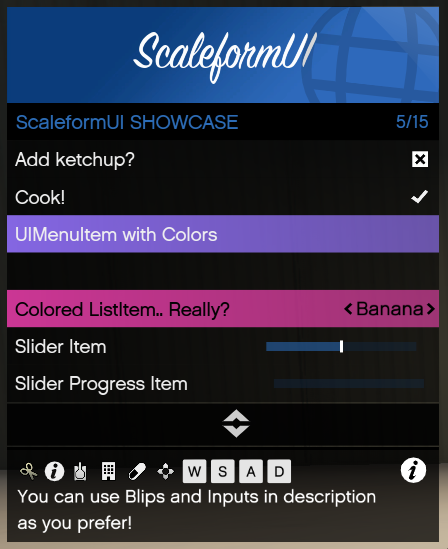
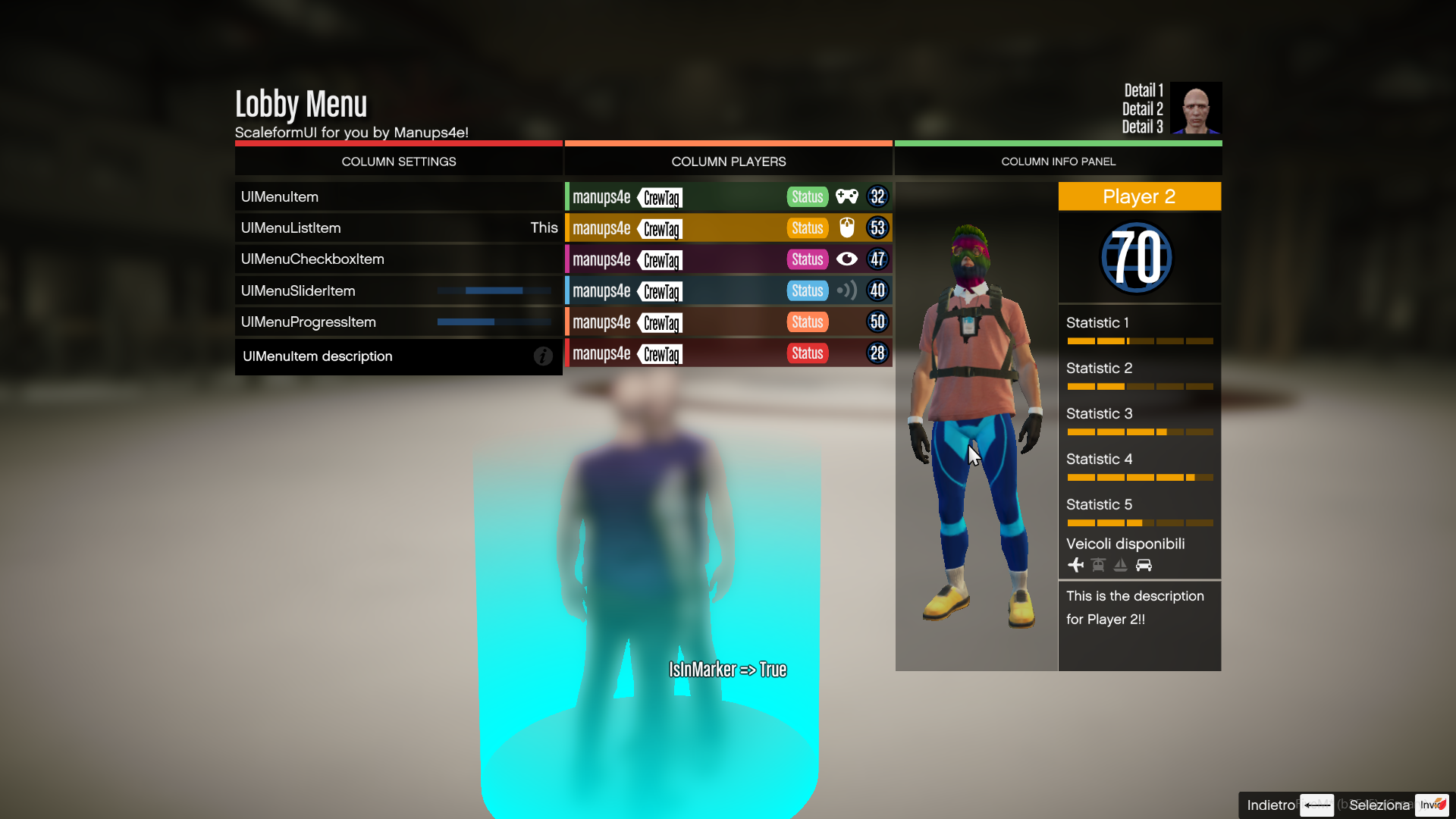
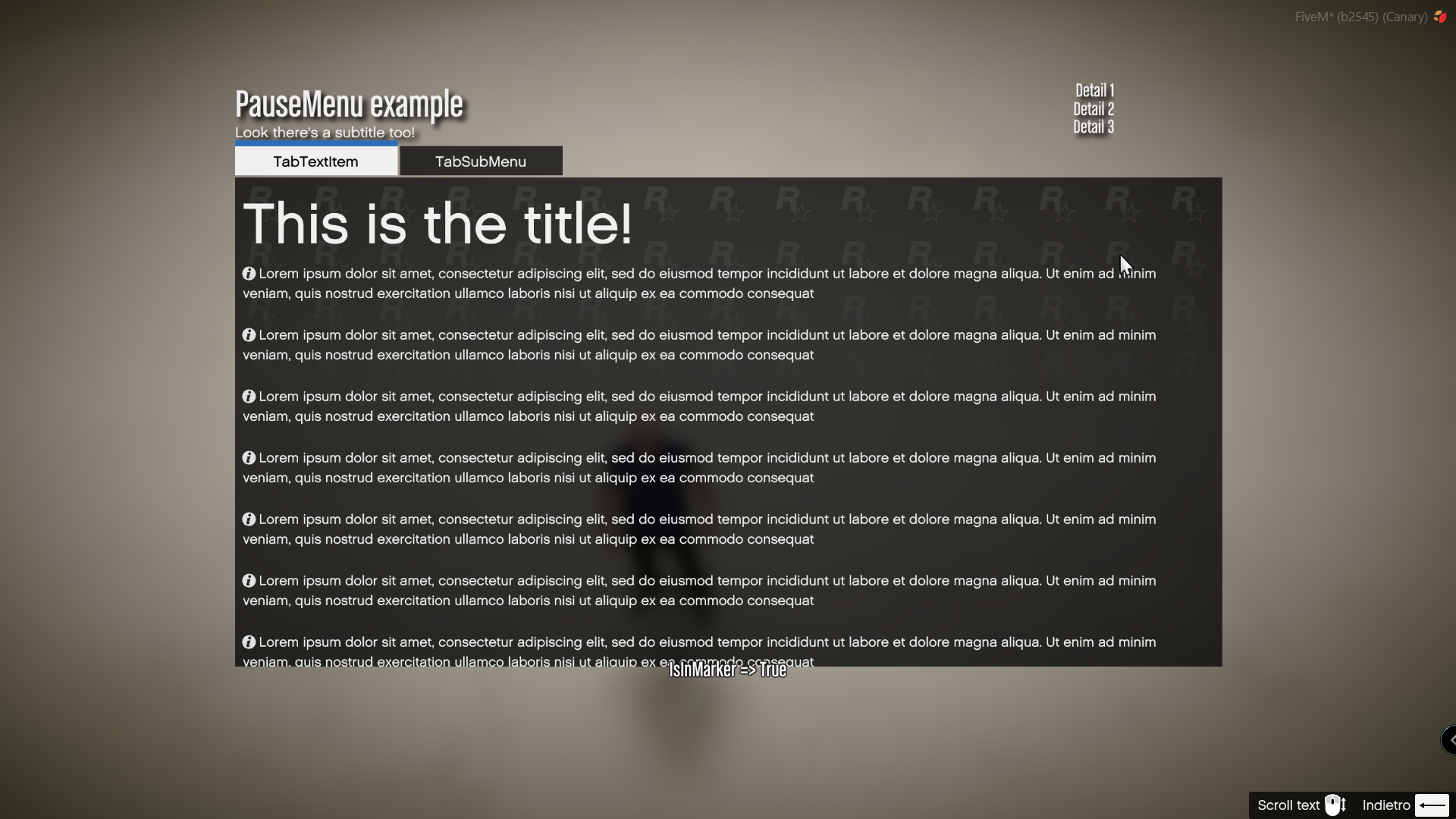
See the NativeUI Example, Lobby Menu Example, and Pause Menu Example for inspiration.
Screenshots 📸
Here are a few screenshots to showcase ScaleformUI in action:
-
NativeUI Example
-
Lobby Menu Example
-
Pause Menu Example
Support and Contributions
For more help, feel free to join the ScaleformUI Discord Server to talk about scripting, development, and more!